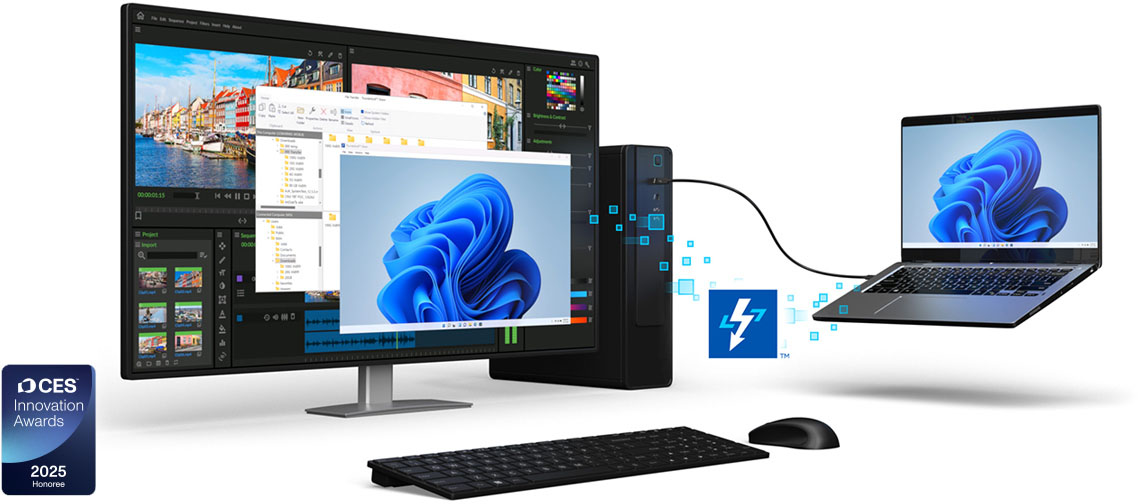
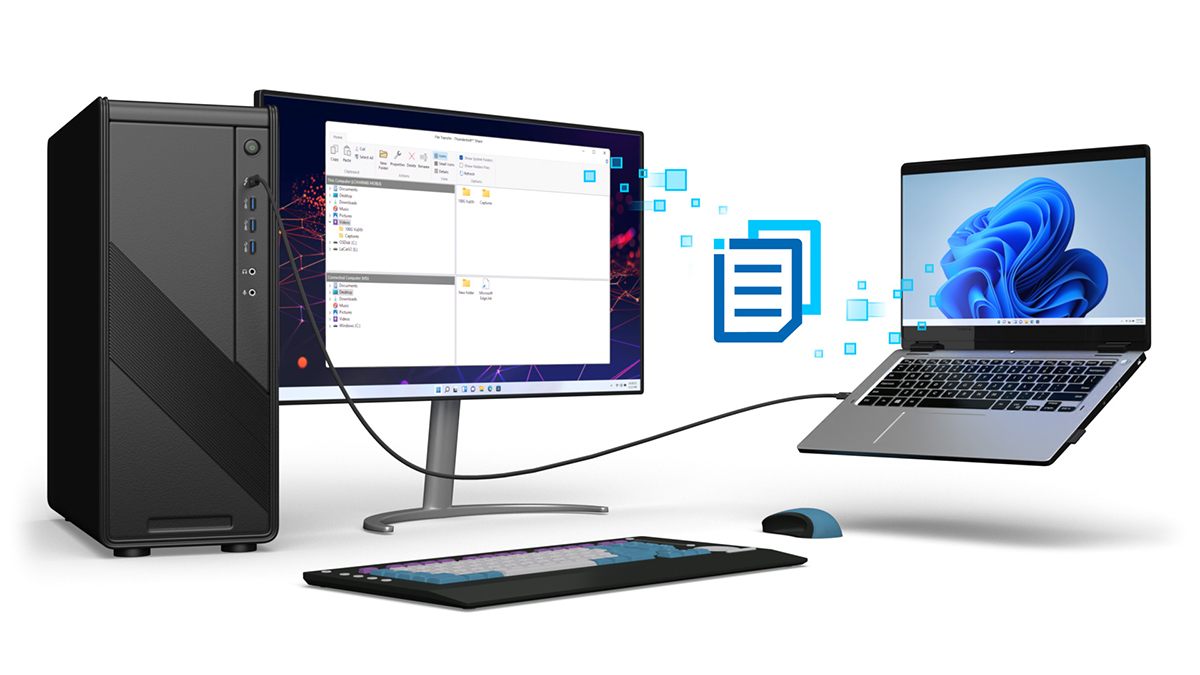
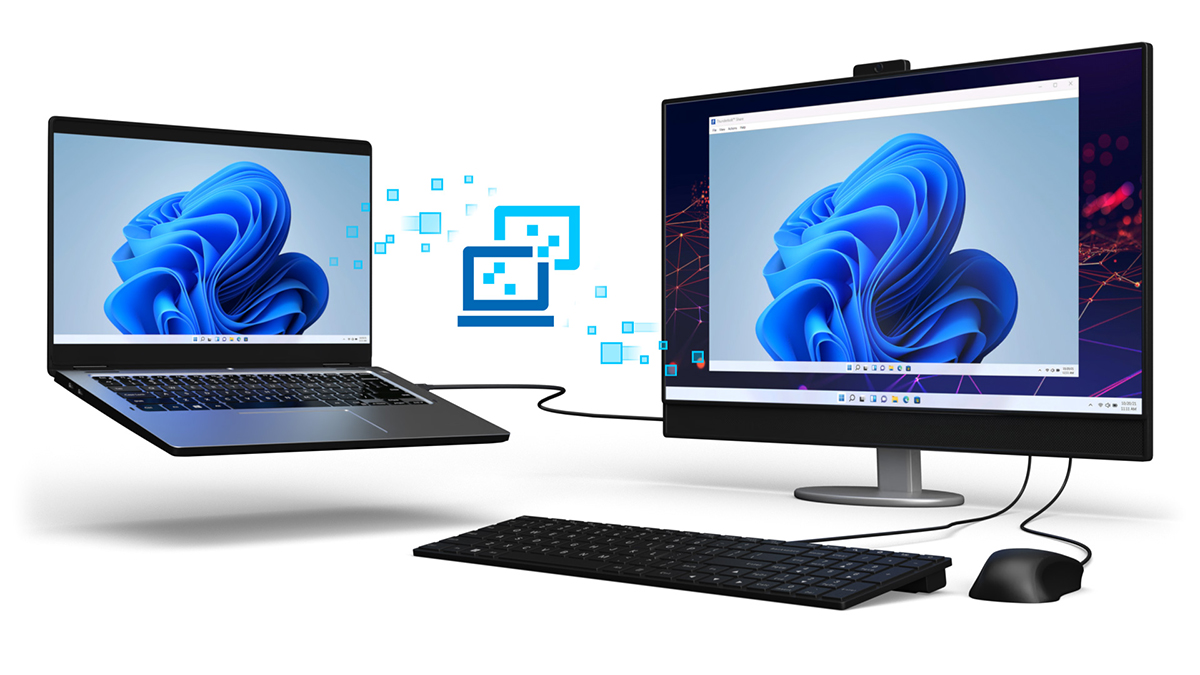
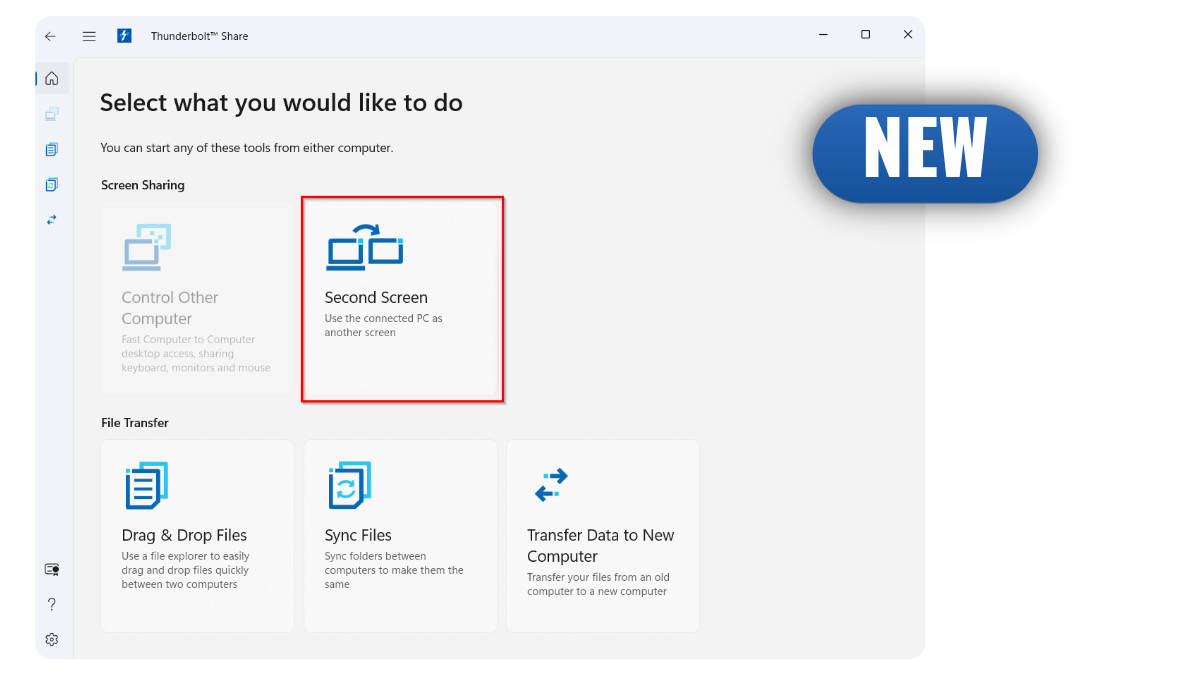
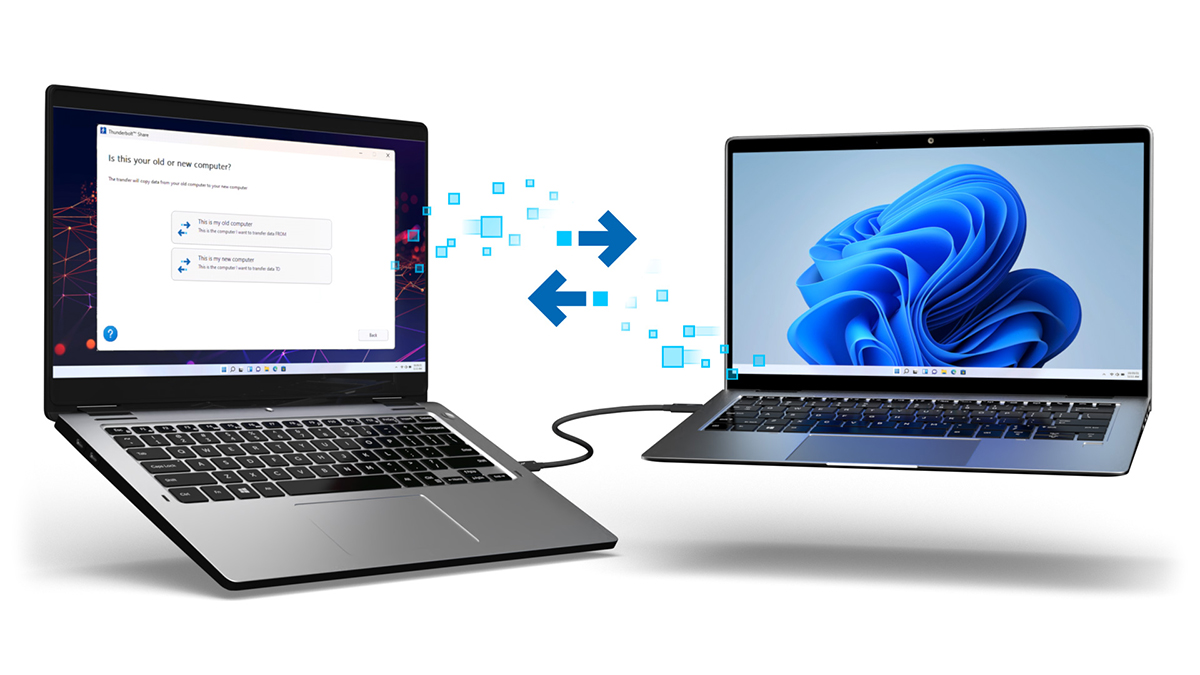
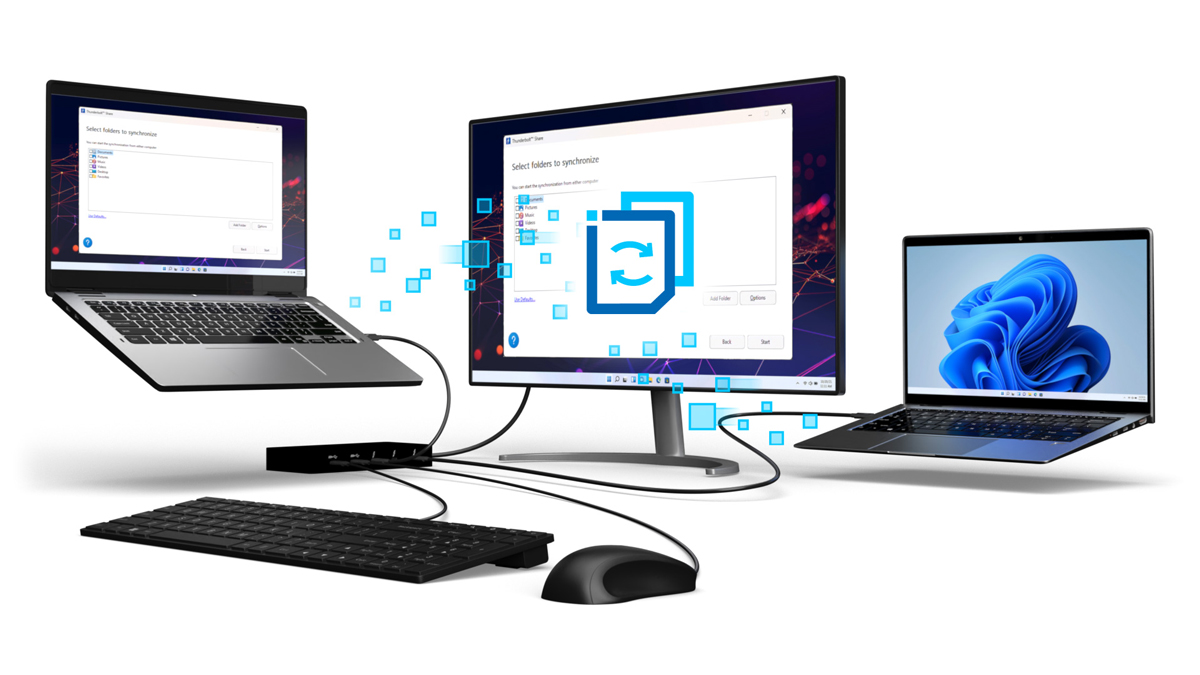




Thunderbolt™ Share leverages the high-speed, low-latency capabilities of Thunderbolt™ Networking technology to enable seamless PC-to-PC connectivity. With Thunderbolt™ 4, users can experience up to 20Gbps performance, while Thunderbolt™ 5 boosts that to up to 40Gbps.
Step 1: Purchase a PC or accessory licensed for Thunderbolt™ Share
Step 2: Download and install the Thunderbolt™ Share software
Step 3: Connect PC-to-PC with a Thunderbolt™ cable or accessory and start sharing

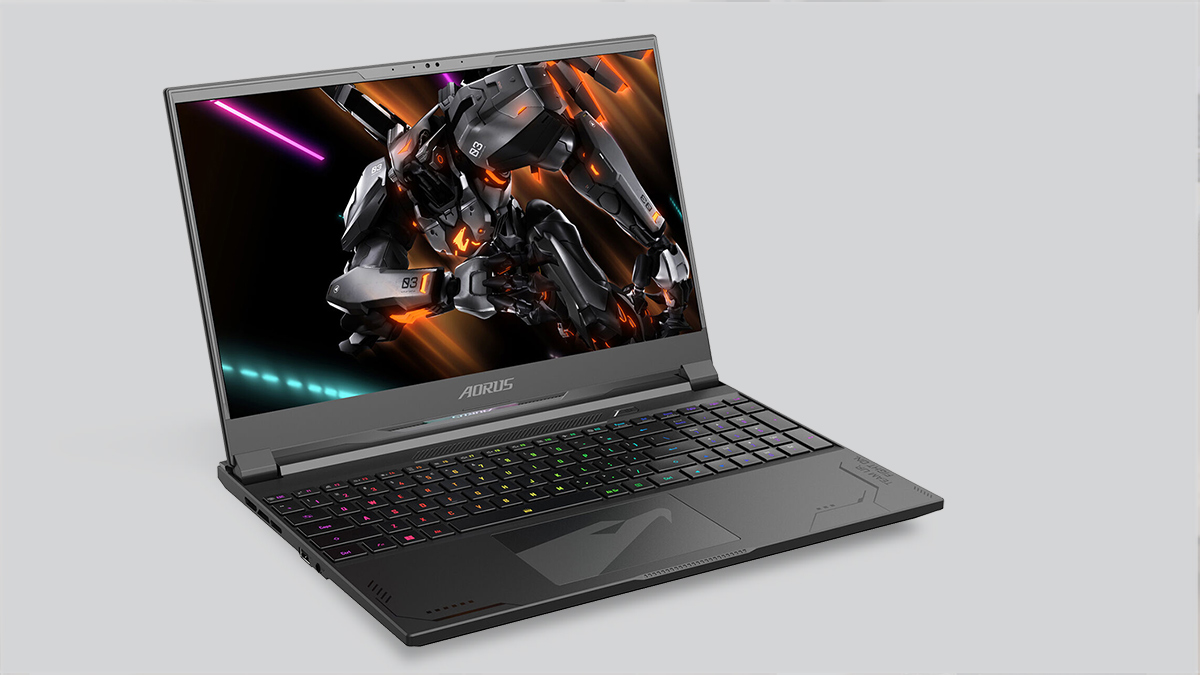
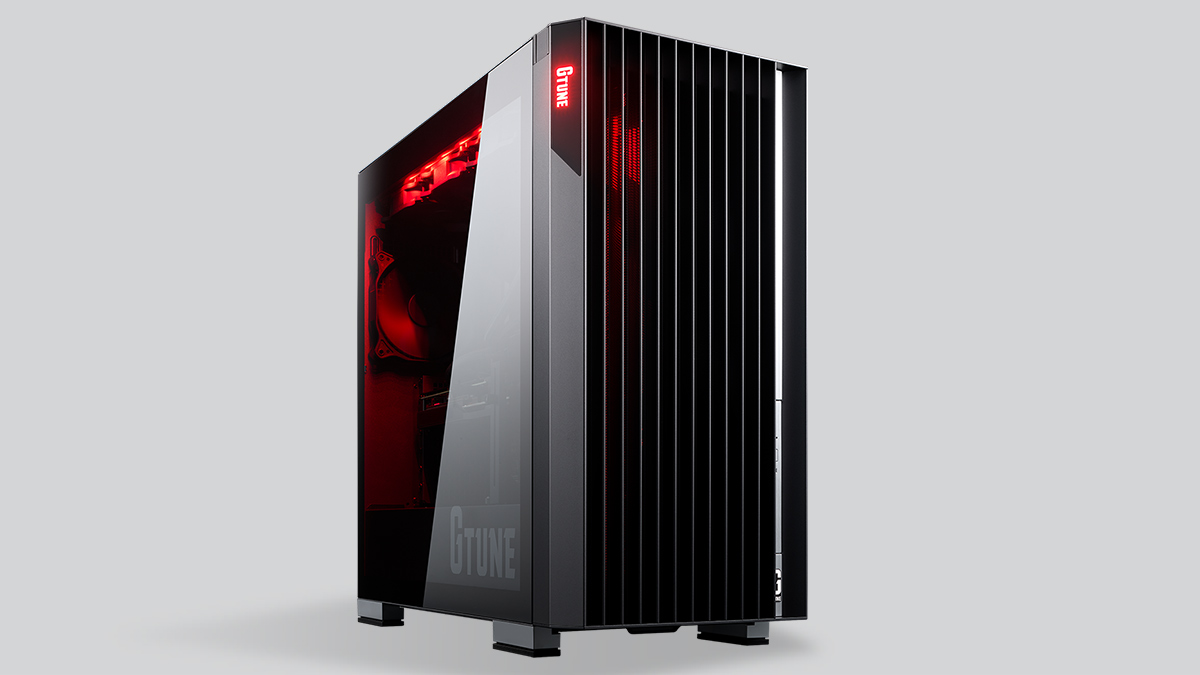
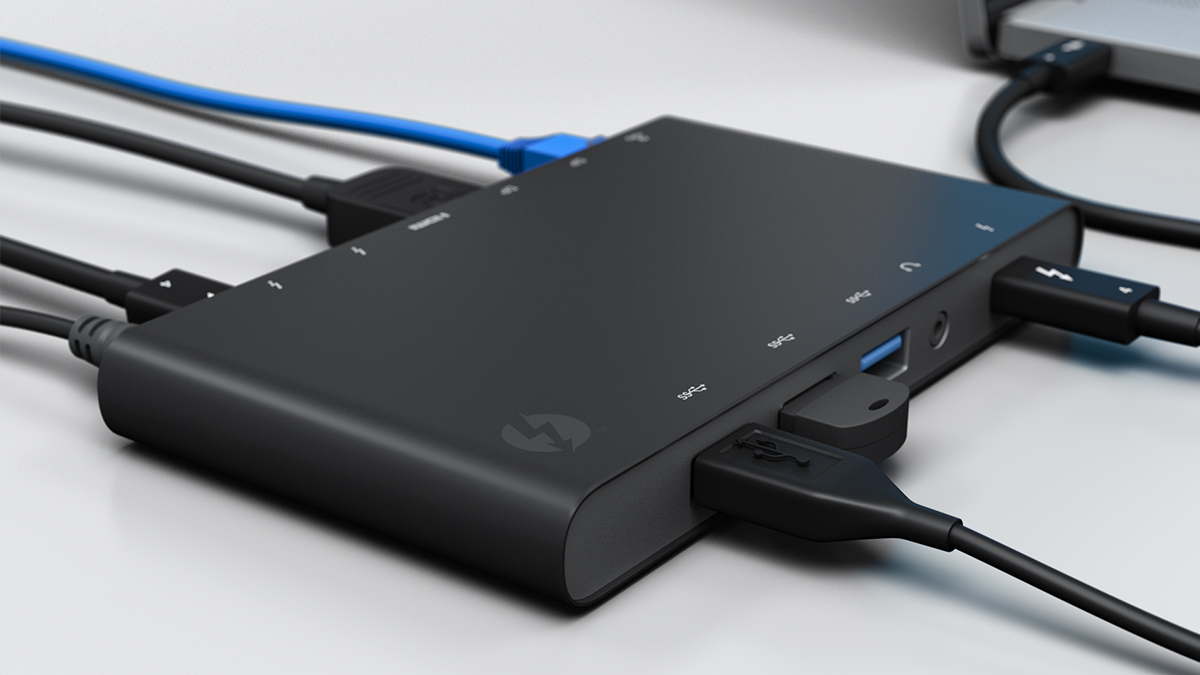
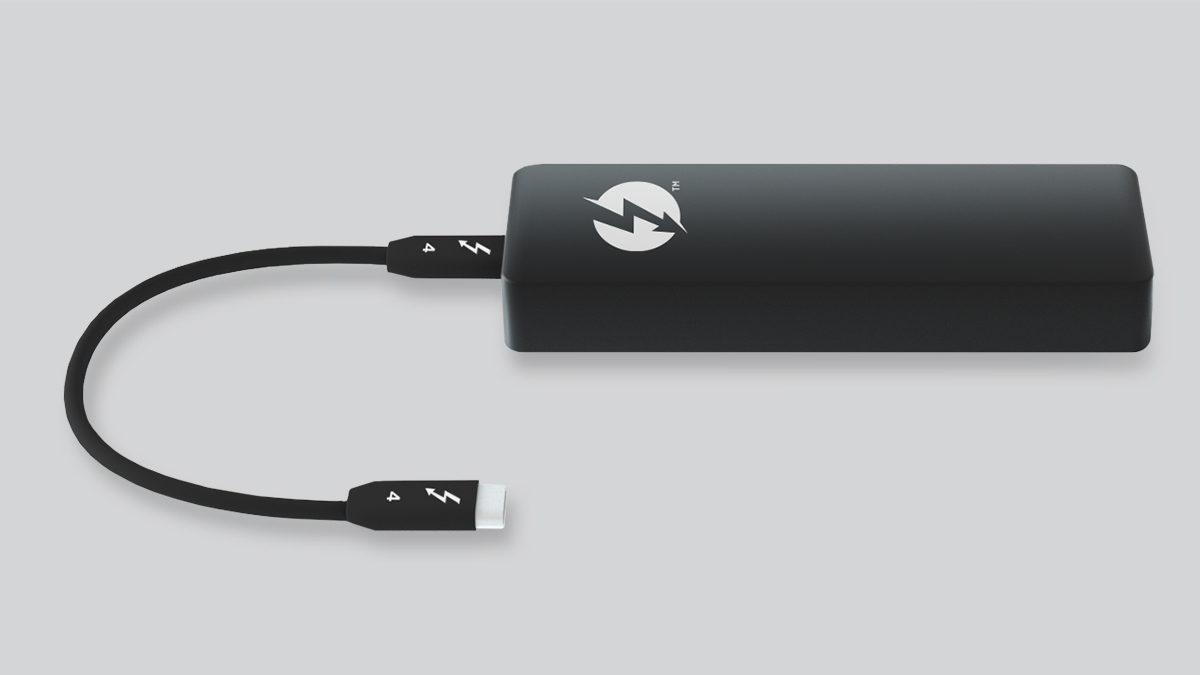
Thunderbolt™ Share is compatible with any Thunderbolt™ 4 or Thunderbolt™ 5-enabled PC running Windows® 11 or newer.
Enjoy a variety of platform connection combinations, including, but not limited to:
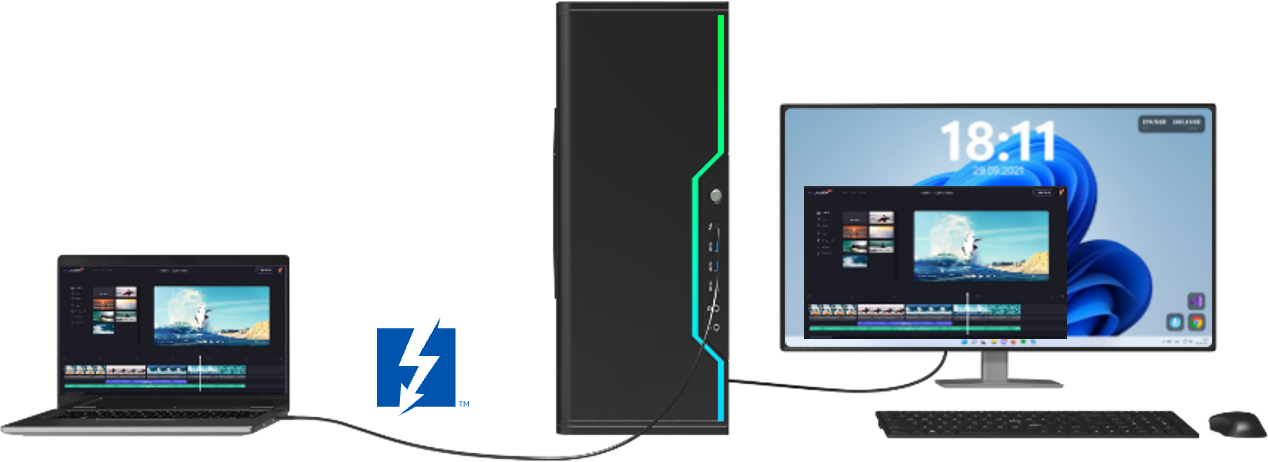
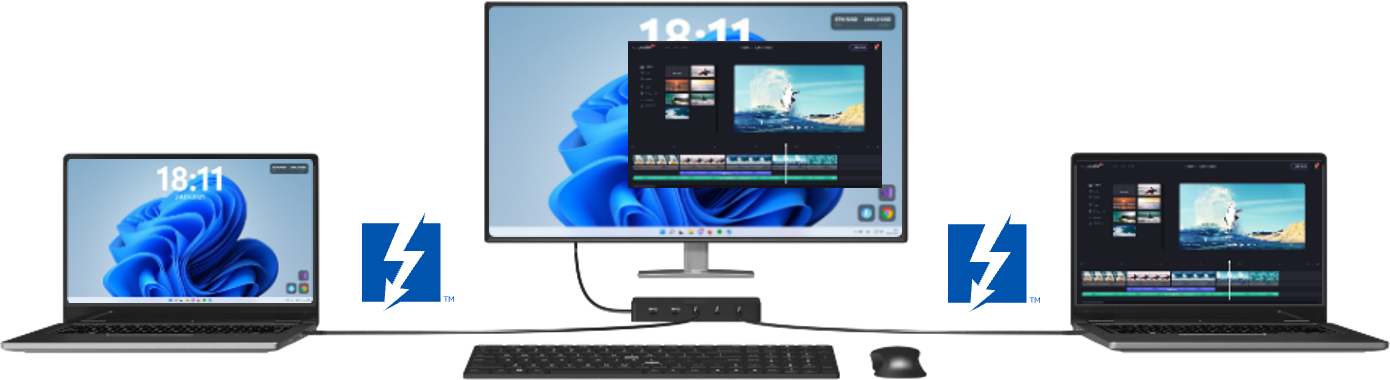
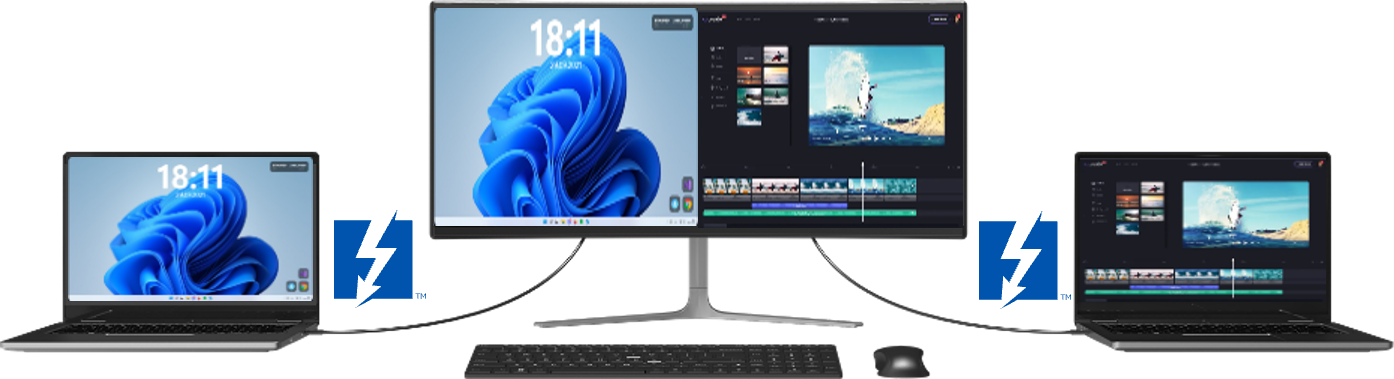
- Any source resolution is supported
- Fit to window, Fullscreen, Zoom
- Multi-monitor selection
- Uncompressed image mirroring
- Low latency, high FPS capable
- Responsive mouse and keyboard input
- Audio streaming supported
Upgrading to a new computer shouldn’t be complicated. Thunderbolt™ Share Express is designed to make moving to a new PC simple and stress free, with a guided experience that helps you transfer your files quickly and confidently.
Whether you’re upgrading at work, setting up a new family PC, or moving during a major Windows 10 upgrade cycle, Thunderbolt™ Share Express helps minimize downtime—so you spend less time setting up and more time using your new PC. And if your old PC doesn’t support Thunderbolt™, you can still migrate your files using Wi Fi or Ethernet with the same intuitive experience.
As many users upgrade to new PCs during the Windows 10 End of Life transition, Thunderbolt™ Share Express helps minimize downtime by saving hours during the move.


© Intel Corporation. All rights reserved.